

If setting up your business has been sitting on your to-do list longer than your holiday decorations, you’re not alone. Most first-time founders stall out at the first step—because registering your business feels overwhelming, expensive, and confusing. But not anymore.
In this guide, I’ll walk you through how to use Zoho Start, Zoho Domains, and Zoho Mail to set up your entire business foundation—legally and professionally—in less than an hour. It’s all part of our 90-day plan to build a profitable business on one secure platform.
No consultants. No complicated tech. Just simple steps and one Zoho login.
Before we jump into the how, let’s talk about the why. Registering your business isn’t just a formality—it’s your first real move as a business owner. It unlocks bank accounts, tax deductions, vendor relationships, and builds immediate trust with customers and partners.
If you’re a service provider, freelancer, or coach, go with an LLC. It gives you personal protection without the hassle of corporate formalities.
Now let’s walk through setting it all up with Zoho Start.
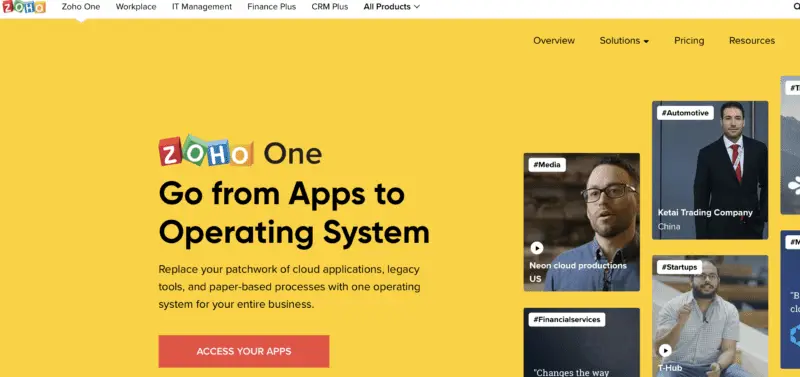
Imagine a world where all your business tools play nicely together (cue angelic choir). Whether it’s handling your finances, projects, or marketing, Zoho One keeps everything seamless and oh-so-simple. Plus, the price? A fraction of what you’d pay for piecing together different apps. Talk about a BARGAIN!
If you’re ready to take the leap from surviving to thriving, Zoho One is your trusty steed. Let’s ride into the sunset of efficiency, my friends. Click that button and get ready to supercharge your hustle!
We earn a commission if you make a purchase, at no additional cost to you.
Zoho Start is like the friend who knows what paperwork to fill out and exactly where to send it.
Here’s your step-by-step:
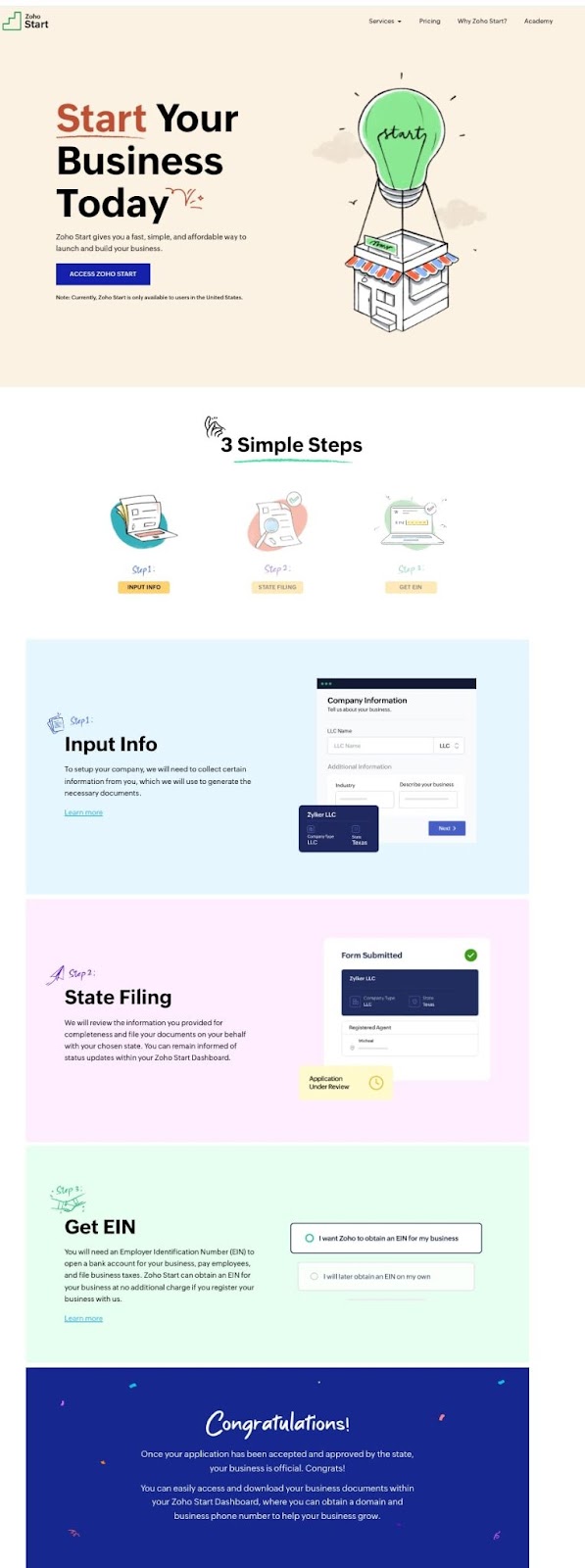
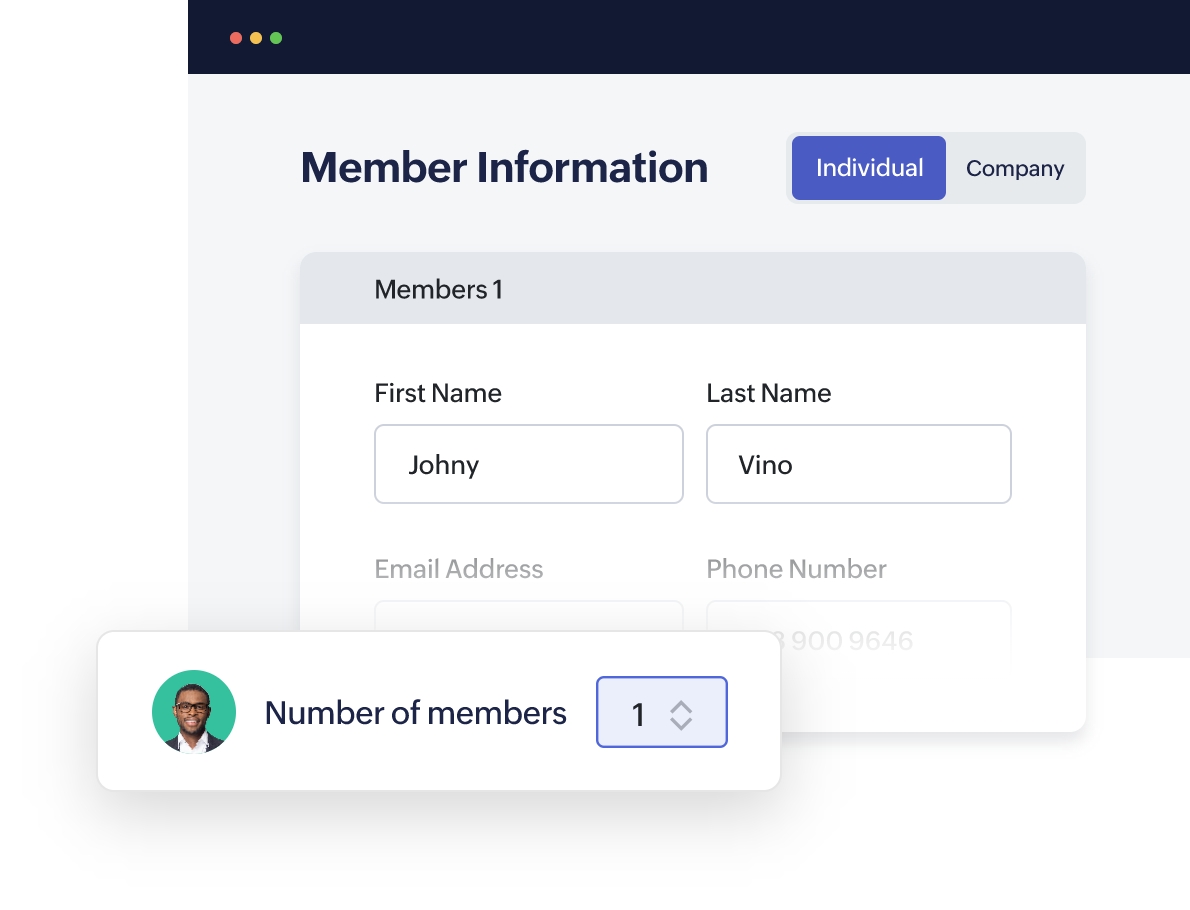
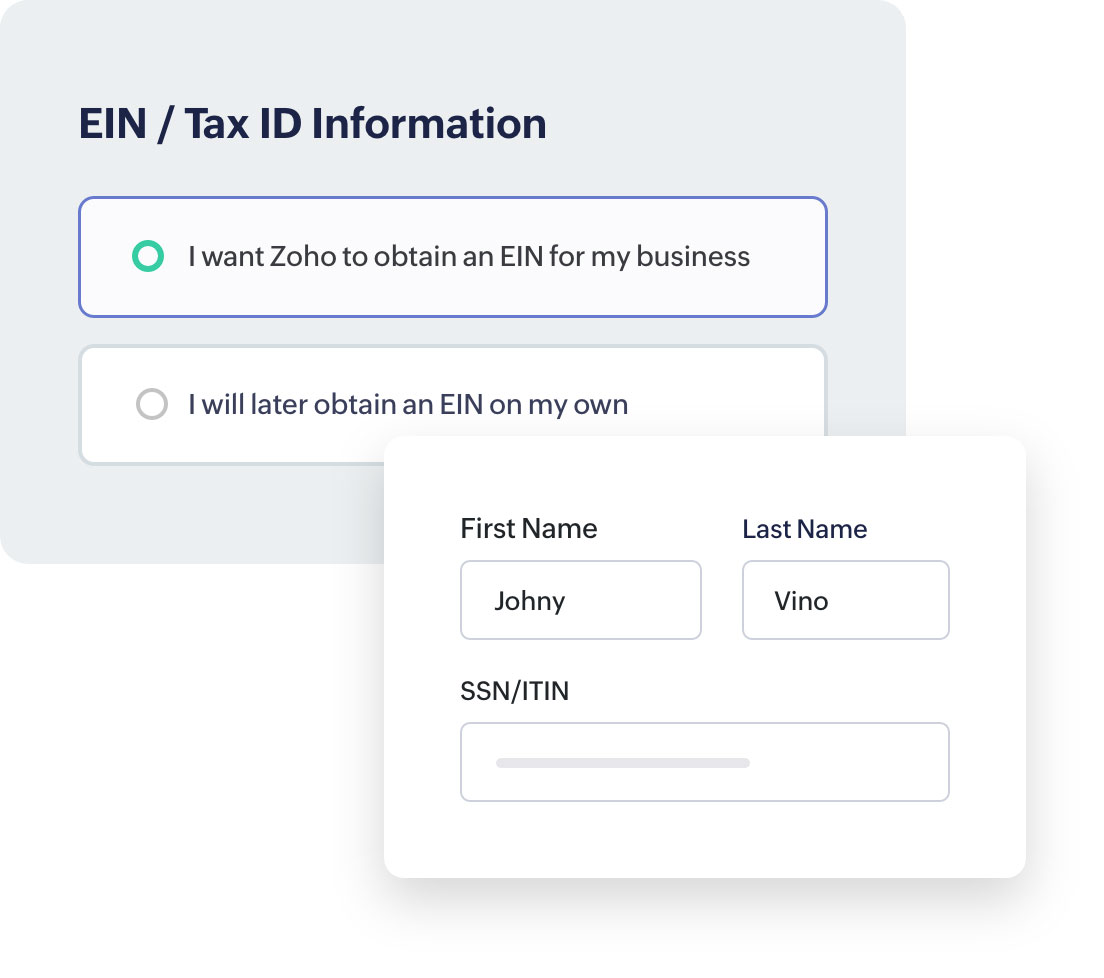
Zoho handles the filing with your state and will keep you updated on the status. Most people complete the setup in under 30 minutes.
👉 Click here to launch your business with Zoho Start
You should be able to complete this in under 30 minutes—and Zoho will update you as your paperwork is processed.
Before we dive into the setup, let’s talk about why this matters.
Buying a custom domain isn’t just about looking professional—it’s about building trust, securing your identity, and creating a brand that sticks.
Now that you know why it matters, here’s how to do it with Zoho Domains. If you’ve ever purchased a domain with GoDaddy, the process is exactly like that. If you’ve never purchased a domain, you’ll find it a breeze.
Zoho Domains is built for solo founders who want simplicity and security.
Here’s how it works:
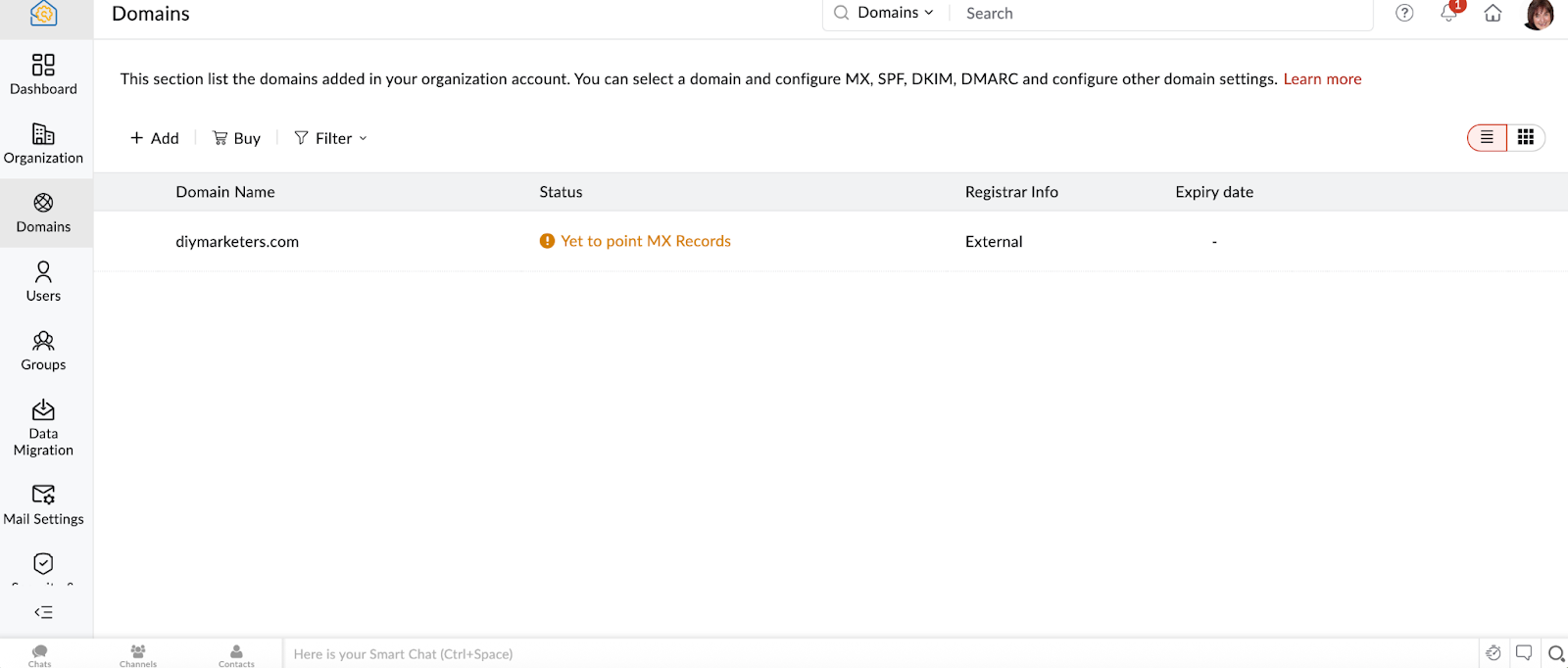
It’s all designed to support your small business operations without adding complexity or cost.
👉 Get your domain now with Zoho Domains
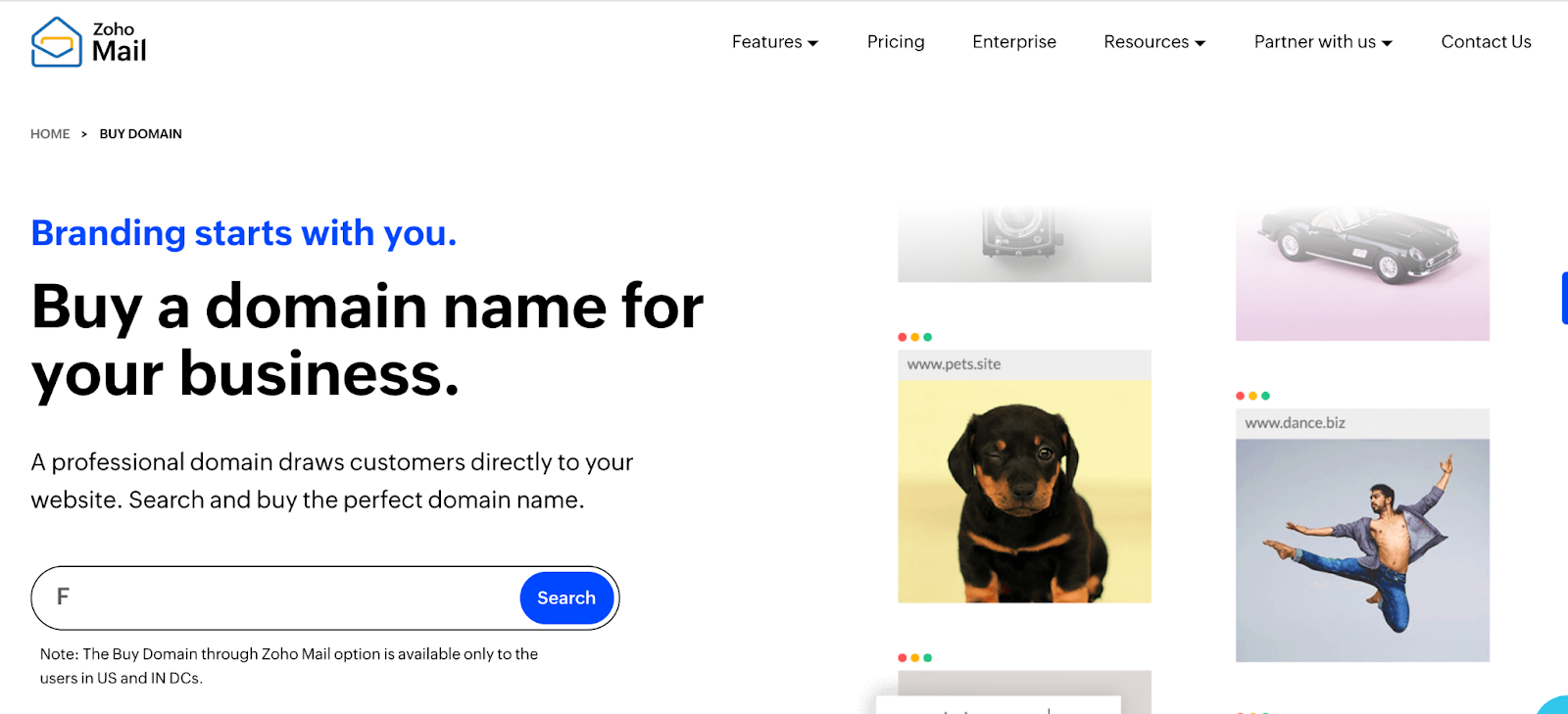
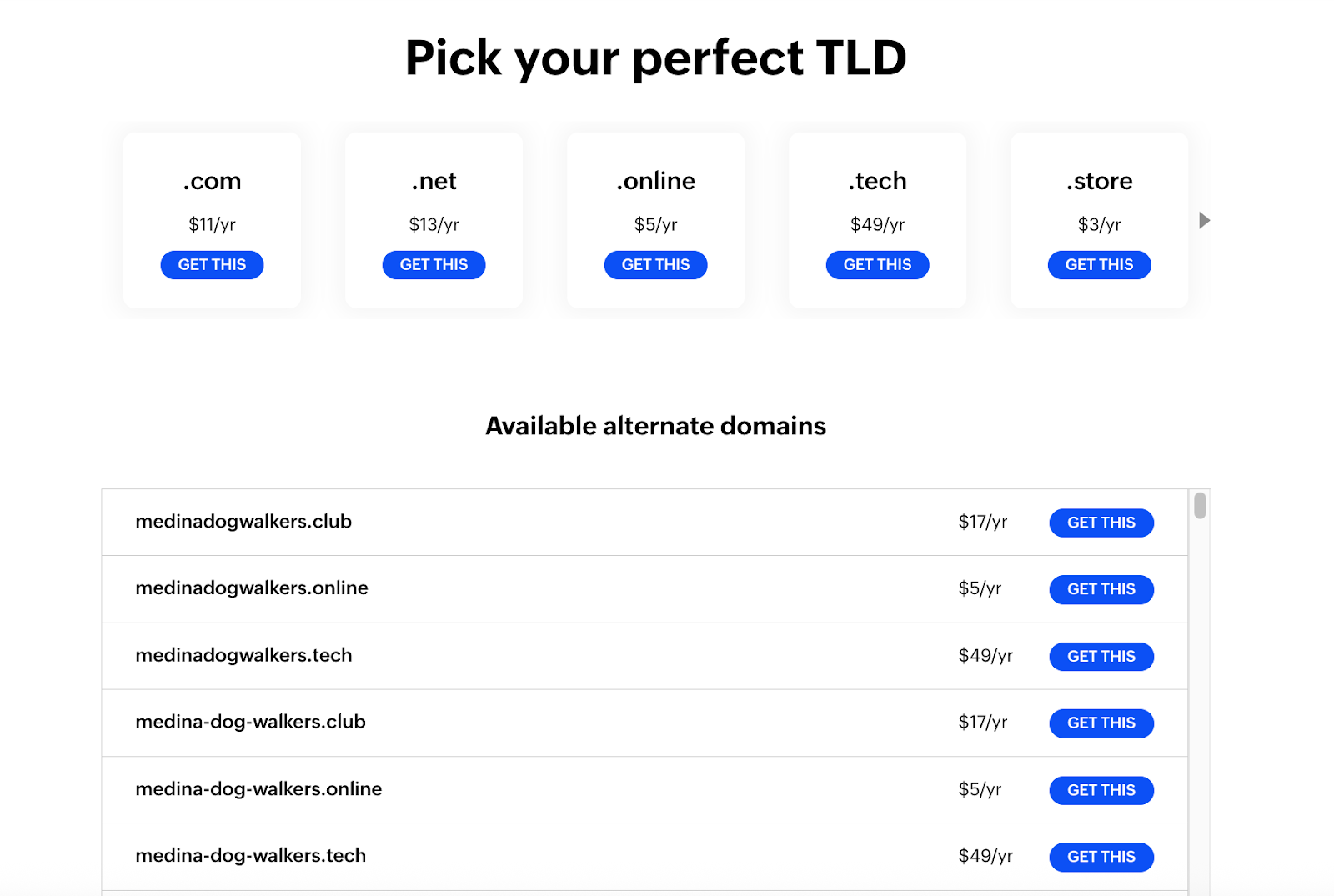
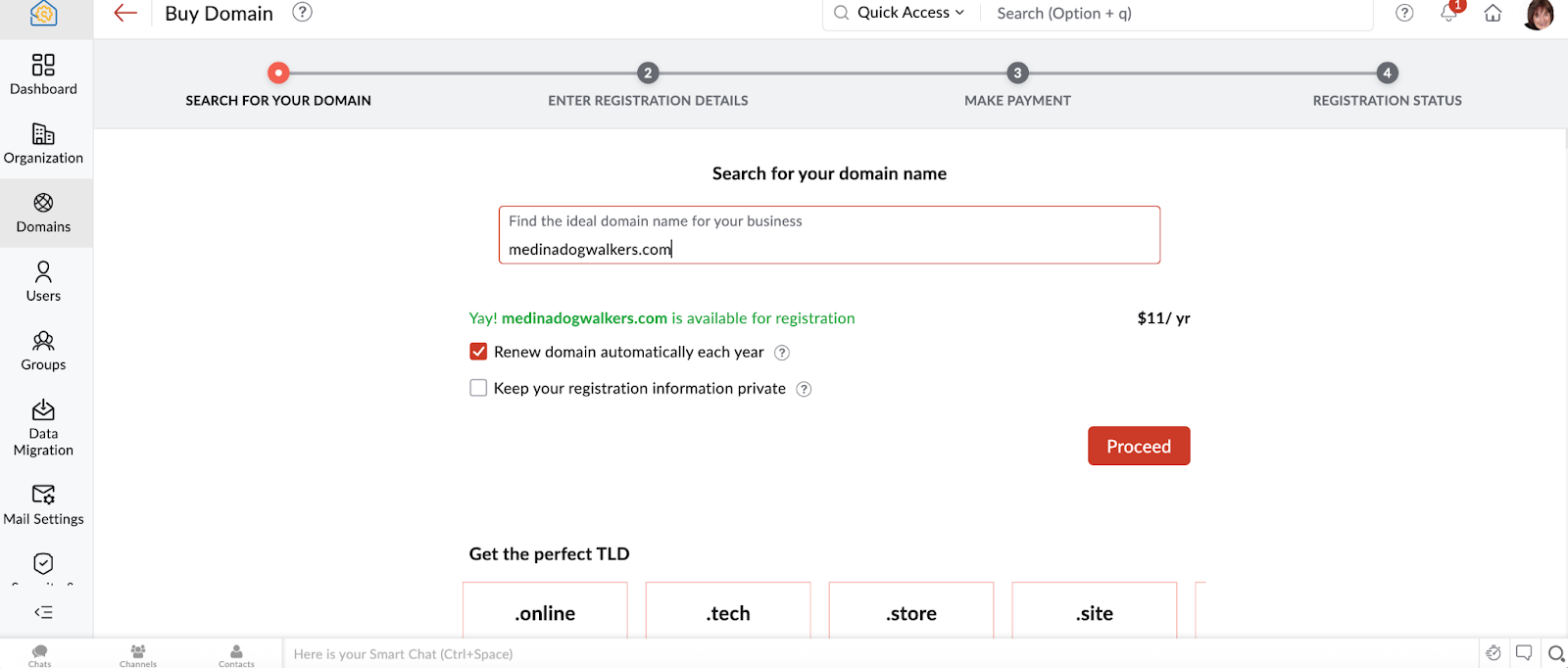
That’s it—you’ve officially claimed your online real estate.
Now that you’ve secured your domain, it’s time to tie it all together with a branded email address. This is the step that often takes down even the most determined DIY business builders. Why? Because setting up custom email on your domain usually involves digging through DNS settings, adding confusing MX records, and hoping you don’t accidentally crash your website in the process.
But this time, you’re using Zoho. So, it’s going to be easy.
When you get your domain through Zoho and use Zoho Mail, the entire process becomes nearly automatic. That’s not just easier—it’s smarter. You don’t need to call in a tech-savvy friend or spend hours Googling instructions. Zoho Mail does the heavy lifting for you.
Even better? Zoho Mail is one of the best Gmail alternatives out there—especially if you care about your data privacy. Zoho doesn’t scan your emails, doesn’t serve you ads, and doesn’t sell your data. It’s a secure, business-class inbox designed for entrepreneurs who want control without complexity.
And when you bundle it all with Zoho One? You’re looking at a full Google Workspace alternative—email, calendar, contacts, file sharing, and more—without the monthly shock to your wallet.
Once your domain is live, you’ll create a professional email address using Zoho Mail. Something like (email protected) instantly upgrades how people perceive your brand.
With Zoho Mail, you get:
Now let’s set up your Zoho Mail account.

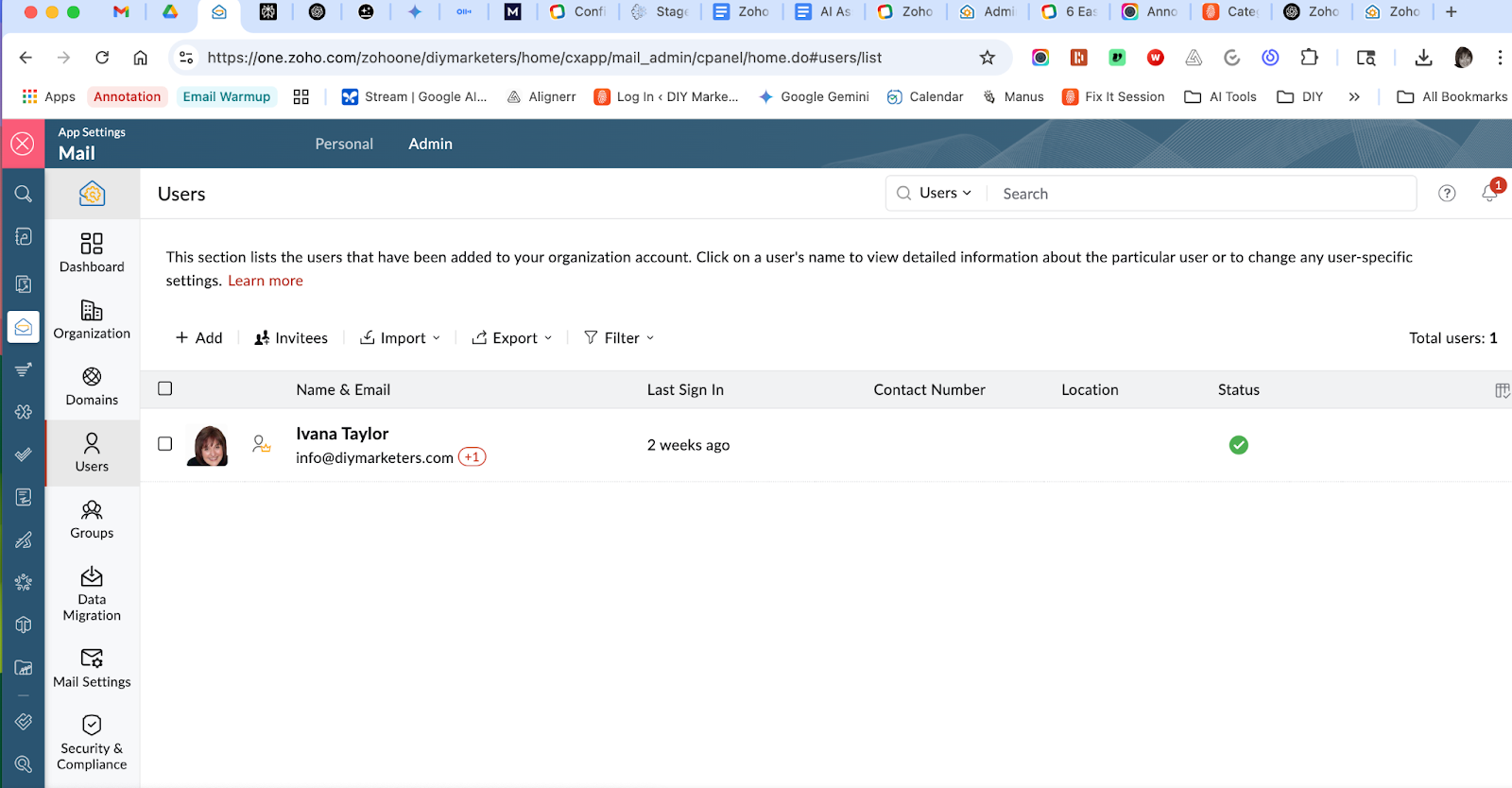
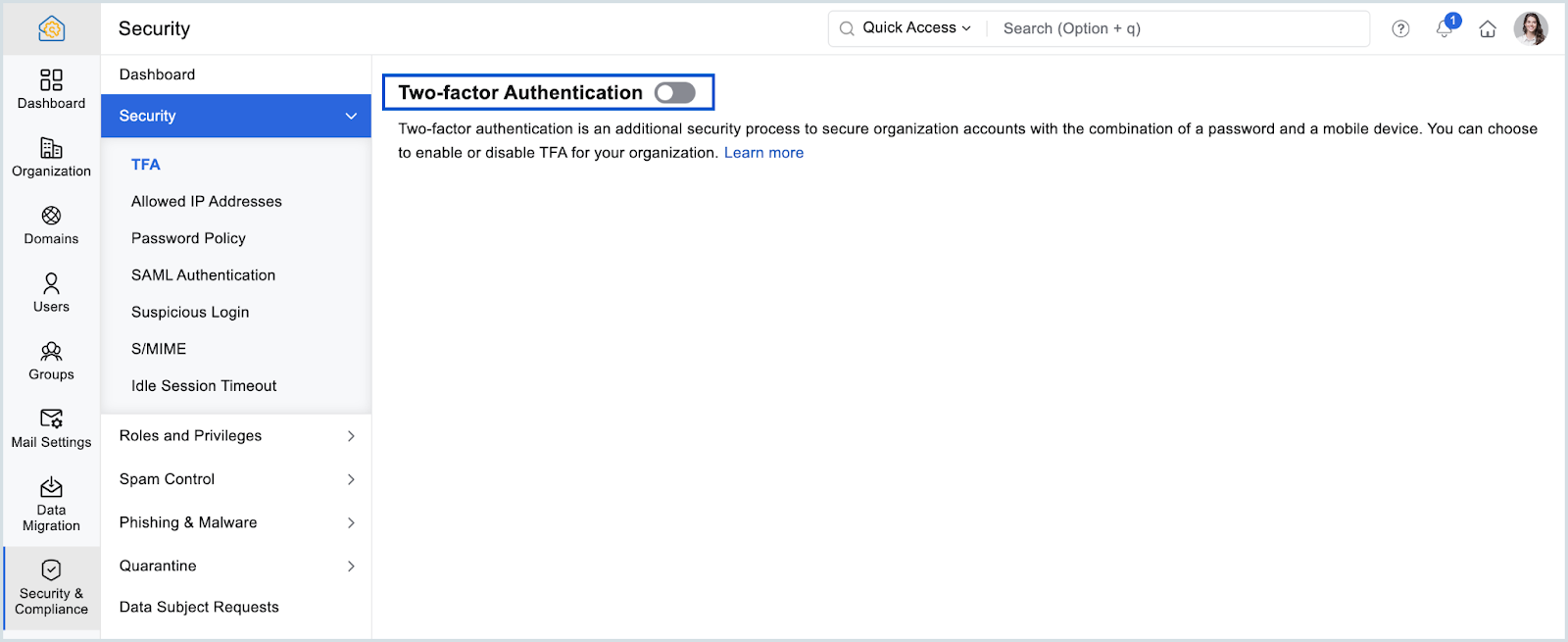
👉 Set up Zoho Mail with your domain
If you bought your domain through Zoho, setup is nearly automatic. If not, Zoho gives you a step-by-step guide to update your DNS settings.
Most people spend $250–$500 cobbling together tools to get their business off the ground. With Zoho, you can:
…all for around $120–$150 total. And you do it all in one place. No juggling logins, no hidden fees, and no waiting weeks for approvals. And these are basically one time set up costs. After you’ve done that, if you’re using Zoho One, you are at about $37 per month per user,
Plus, Zoho’s values align with yours. They don’t answer to shareholders—they answer to you. They’re committed to privacy, small business support, and tools that make sense for founders who want to run lean.
Whew, that was a lot of work—but here’s the thing: you could literally do all of this in one sitting. No tech help. No 12-tab YouTube rabbit hole. Just a streamlined, professional setup that gives you everything you need to get started.
And the result? Your business is legit (literally). You’re officially registered and you’ve hung out your shingle—on paper and online. You’ve claimed your name, your email, and your presence. That’s more than most would-be entrepreneurs ever do.
Next week, we’re going to get you paid. We’ll walk through how to set up Zoho’s payment tools and connect them to your bank account, so you’re ready to make your first sale and actually collect money like a real business.
Need Help? Book a Fix-It Session
If you’re feeling stuck or just want someone to walk through this with you—I’m here to help. I offer personal Fix-It Sessions where we go through your Zoho Start, domain setup, and email configuration step-by-step.
Whether you’re stuck at the beginning or just want to make sure it’s done right, we’ll get your business set up fast—and right the first time.
👉 Book Your Fix-It Session Now
Placeholder for video:
How to Set Up Your Business in 30 Minutes Using Zoho Start (walkthrough of all 3 tools)
1. Do I have to use Zoho for everything?
Nope—but using Zoho for your business foundation means everything is designed to work together. No duct tape. No Frankenstacks. Just clean integrations and one login to rule them all.
2. What if I already registered my business—can I still follow along?
Absolutely. You can skip the Zoho Start part and jump straight into getting your domain and setting up your email with Zoho Mail. Everything else still applies.
3. Can I use a domain I already own with Zoho Mail?
Yes! You can connect any domain to Zoho Mail with a few simple DNS tweaks. Zoho provides clear, step-by-step instructions.
4. What if I’m not tech-savvy—will I need help?
That’s the beauty of Zoho Start and Domains. These tools are made for non-techies. No coding. No jargon. You can truly do this in one sitting without outside help.5. Is Zoho really a good alternative to Google Workspace?
Yes, and in some ways it’s better—especially if you care about data privacy and cost. Zoho gives you email, calendar, documents, and even CRM in one affordable platform.