
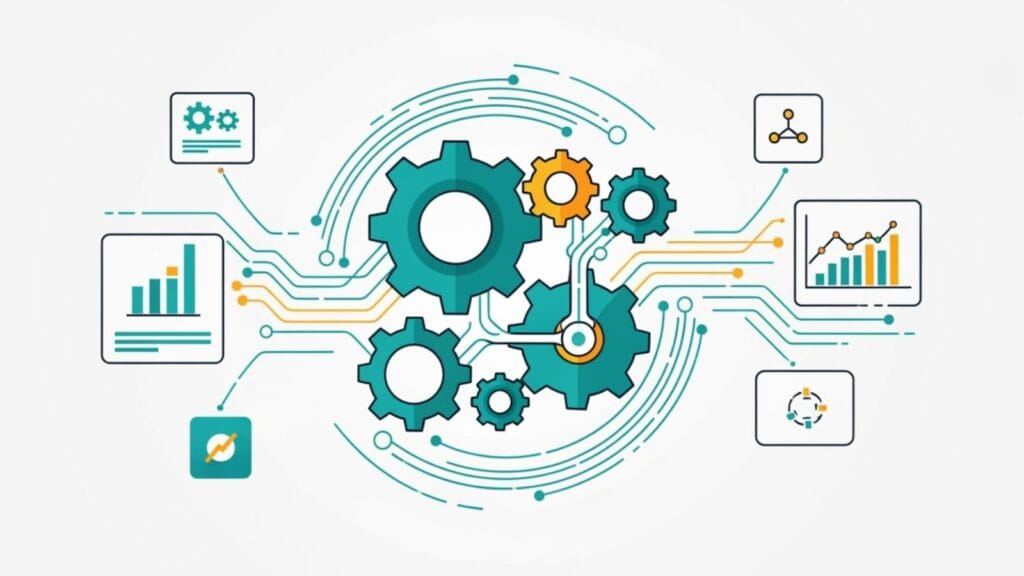
HubSpot system optimization is the process of regularly cleaning, auditing, and fine-tuning your portal to achieve maximum efficiency, accurate data, and improved business results. Over time, even the most organized HubSpot portal can become a digital junk drawer filled with duplicate contacts, outdated workflows, and untrustworthy reports.
This clutter isn’t just messy; it’s a productivity roadblock. A well-optimized system, on the other hand, transforms your marketing and sales operations. Clean data improves segmentation, streamlined workflows save hours, and accurate reporting leads to smarter decisions.
Key areas of optimization include:
Crucially, optimization isn’t a one-time project. It’s an ongoing process that keeps your system running at peak performance.

Key HubSpot system optimization vocabulary:
Like a new smartphone that slows down over time, your HubSpot portal faces the same challenge if it isn’t regularly cleaned up. As your company grows, new team members, campaigns, and data sources create CRM clutter that silently sabotages productivity.
Workflows from two years ago might still be running, and your database could be packed with duplicate contacts and outdated processes. This “data decay” is a productivity killer, undermining everything from lead scoring to sales forecasting. The result is inaccurate reporting, wasted marketing spend, and missed sales opportunities because leads fall through the cracks.
Without proper HubSpot system optimization, your powerful CRM becomes more of a bottleneck than a business driver. For insights on how this impacts your overall revenue operations, check out our guide on RevOps for B2B.
The problems caused by a neglected HubSpot system creep in gradually. These issues include:
For more insights on how technology impacts customer relationships, explore our article on MarTech Customer Relationship Management.
Here are clear indicators that your HubSpot system needs professional attention:
To transform your portal from a cluttered mess back into a streamlined growth engine, we focus on four core pillars. These pillars are the difference between a HubSpot system that supports your growth and one that hinders it.

Data hygiene ensures your information is trustworthy. Workflow audits eliminate mysterious, outdated automations. Sales pipeline optimization gets your deals moving smoothly. And user management keeps everything secure and connected. Let’s explore each area.
If your data is dirty, everything else falls apart. Marketing campaigns miss their mark, and sales teams get frustrated by missing contact information. Deduplication is the first battle, tackling contacts that multiply with every list import. HubSpot has built-in tools, but manual cleanup is often needed.
Next, address incomplete records—those ghost contacts with just an email address that make segmentation impossible. The real game-changer is implementing standardized naming conventions for properties, deals, and lists to make your system intuitive. Data validation rules act as a bouncer, preventing bad data from entering in the first place.
With clean data, you can use intelligent segmentation for laser-focused marketing. Regularly cleaning up your list of bounced or inactive contacts keeps your database tidy and ensures accurate metrics.
For more detailed strategies, check out our guide on HubSpot CRM Optimization. And if you want to get hands-on with custom properties, HubSpot’s custom property creation tool is your best friend.
Workflows can become unnecessarily complex over time, and nobody is sure how they work or how to fix them. A workflow audit involves reviewing your automations to identify “ghost workflows” that are still running, even though their original purpose has been fulfilled.
Simplifying automation often means breaking down monster workflows into smaller, focused automations that do one thing well. This makes troubleshooting infinitely easier. The key is to identify which repetitive tasks truly deserve automation, as a manual checklist is sometimes more efficient.
Testing and documentation are crucial steps that prevent things from breaking at the worst possible moment. Documenting each workflow’s purpose, triggers, and outcomes will save you headaches in the future. Regular maintenance prevents the “set it and forget it” mentality that leads to system decay.
For a deeper dive into building workflows that work, explore our guide on How to Build Workflows.
Your sales pipeline should tell a clear story. Sales process alignment ensures that your HubSpot deal stages align with the actual sales process. Aim for 6-9 clear stages that reflect your actual sales process, not 15 confusing ones.
Bottleneck identification uses HubSpot’s reporting tools to pinpoint where deals are getting stuck. The data tells the story of why prospects stall. Custom dashboards should replace generic reports with meaningful insights that drive decisions. Focus on KPIs that directly impact revenue, like lead response time, stage conversion rates, and sales cycle length.
The goal is to create reports so helpful that your team wants to review them. For more on creating unified operations, check out our comprehensive guide to RevOps for B2B Businesses.
This pillar is the security and connectivity hub of your HubSpot system, ensuring the right people have access and all your tools play nicely together.
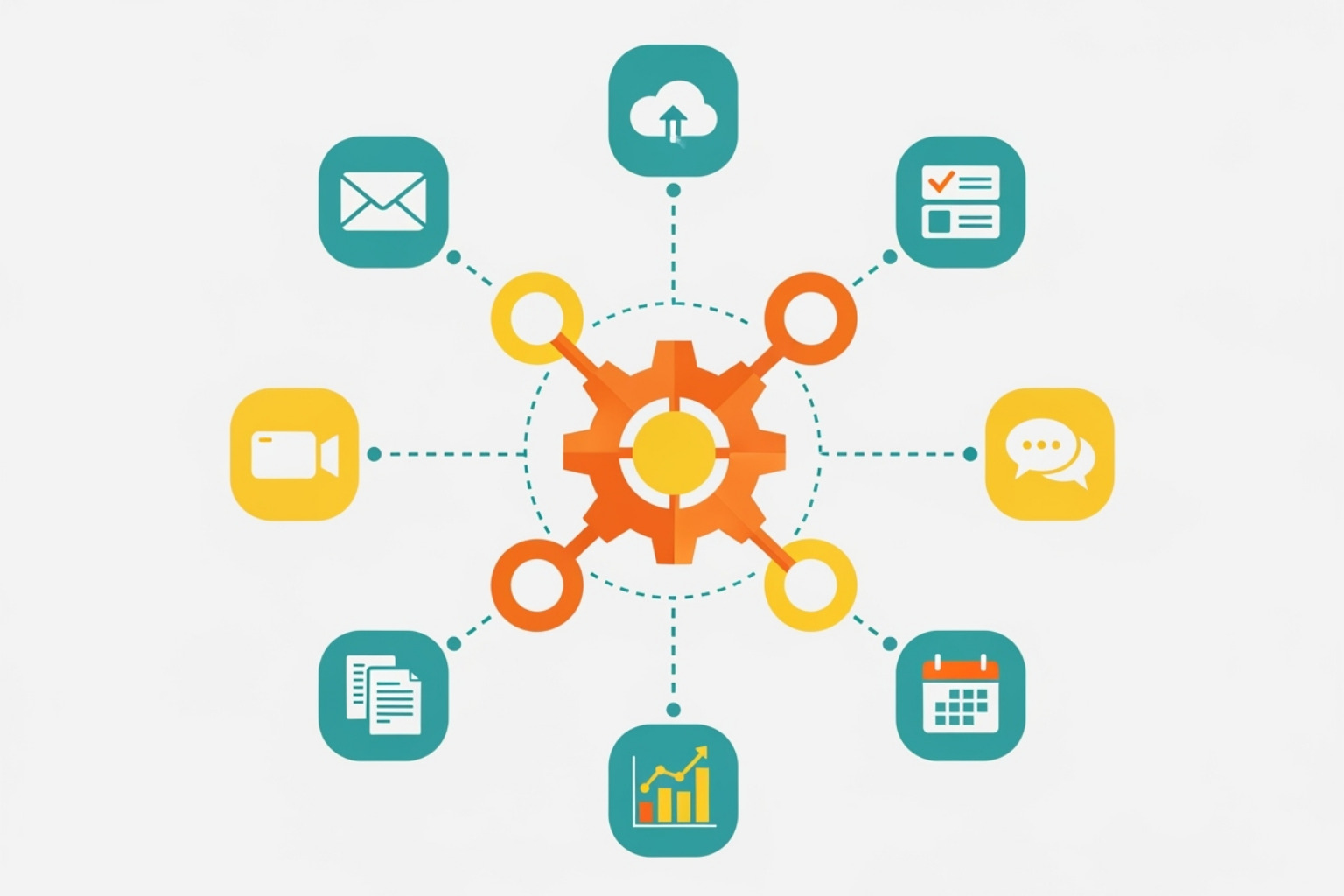
Regular audits of user permissions help prevent security risks and accidental disasters, such as former employees retaining admin access. Two-factor authentication should be non-negotiable for data security.
Integration management is where HubSpot shines, but focus on integrations that solve real business problems. Data mapping between systems must be precise to prevent information from getting lost in translation. Regular integration health checks catch sync errors and other issues before they become disasters—finally, clean house by removing unused integrations to reduce potential points of failure.
The goal is a tech ecosystem where HubSpot is the central hub, with clean data flowing seamlessly between connected tools.
Learn more about building an effective integrated system in our article on Why an Integrated Tech Stack is Key to Your B2B Success. For a broader view of how HubSpot integrates with a wide range of tools, visit HubSpot’s integration marketplace.
HubSpot system optimization isn’t a one-and-done project; it’s like tending a garden that needs regular care to flourish. The companies that see the biggest returns from HubSpot treat optimization as an ongoing journey.

They accept ongoing maintenance to keep small issues from becoming big headaches, use process documentation so teams know the “why” behind the setup, and prioritize team training. Most importantly, they practice continuous improvement, staying current with HubSpot’s frequent feature releases to work smarter.
Consistency is key. Breaking maintenance into manageable chunks makes it more effective.
For more insights on managing your marketing operations effectively, check out our guide on More info about Marketing Operations Technology.
HubSpot provides built-in tools to make optimization easier. The trick is to use them regularly.
Making these tools part of your routine is key to proactive maintenance.
Most HubSpot mistakes are avoidable with the right habits.
To stay current, subscribe to HubSpot’s Product Updates Blog and join your local HubSpot User Groups (HUGs).
When you invest in proper HubSpot system optimization, the returns are both immediate and long-lasting. A streamlined system delivers tangible results across your business.
The change from a cluttered system to a growth engine is transformative. To see how these benefits play out in the real world, check out our HubSpot Implementation Case Study: KAM Technologies.
We get it—diving into HubSpot system optimization can feel overwhelming. Here are answers to the most common questions we hear.
Start with a comprehensive HubSpot audit to assess your current setup. Focus on the foundations first: tackle data cleanup by removing duplicates and standardizing naming conventions. Next, review user access and permissions to ensure security. Most importantly, identify the biggest daily pain points for your marketing and sales teams. Solving these first builds momentum and gets everyone on board.
Optimization is an ongoing process, not a one-time fix. Think of it in layers:
Weekly: Quick health checks like reviewing new contacts and monitoring workflow errors.
Monthly: Deeper tasks like auditing active workflows and cleaning up old lists.
Quarterly & Annually: Comprehensive reviews, including user permission audits, integration health checks, and a full system audit.
It depends. You can handle basic maintenance yourself using HubSpot’s built-in tools, such as the Data Quality Command Center. However, for comprehensive audits, deep technical cleanup, and strategic process redesign, an expert provides specialized knowledge that saves time and prevents costly mistakes. An experienced partner brings an objective perspective and knows where to find opportunities you might miss, ensuring the job is done right the first time.
Your HubSpot portal has incredible potential, but only when treated with care. HubSpot system optimization is the difference between struggling with a neglected tool and driving a high-performance growth engine.
A cluttered system frustrates your team and wastes your budget. A clean, efficient HubSpot portal empowers your team, increases productivity, and delivers a measurable ROI. The key is treating optimization as an ongoing process of regular data reviews, workflow audits, and strategic check-ups.
When your system runs smoothly, your team trusts the data, your automations work, and your reports drive smart decisions. This eliminates the friction that holds back growth.
At The B2B Mix, we provide hands-on expertise to get your system in top shape. We work with your team to clean up the mess, streamline processes, and build sustainable systems that grow with your business.
Ready to stop wrestling with your CRM and start leveraging it for growth? Explore our Complete HubSpot Services and let’s turn your HubSpot into the growth engine it was meant to be.